


Getting started with Casana
Casana keeps everything about a place you share, the calendar, the info, and the checklists, in one spot. Setting up your place takes a few minutes.
The screenshots show the German app for now. English screenshots are on the way.
1. Create your place
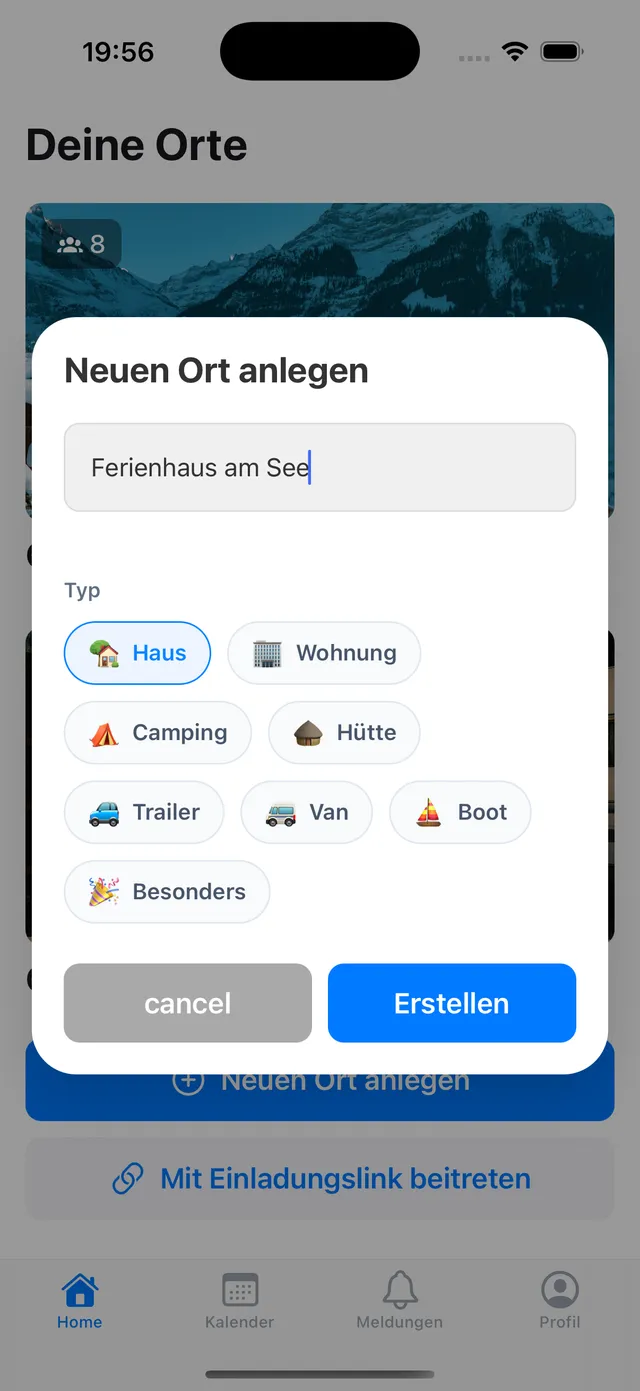
On your places screen, tap Create a new place.
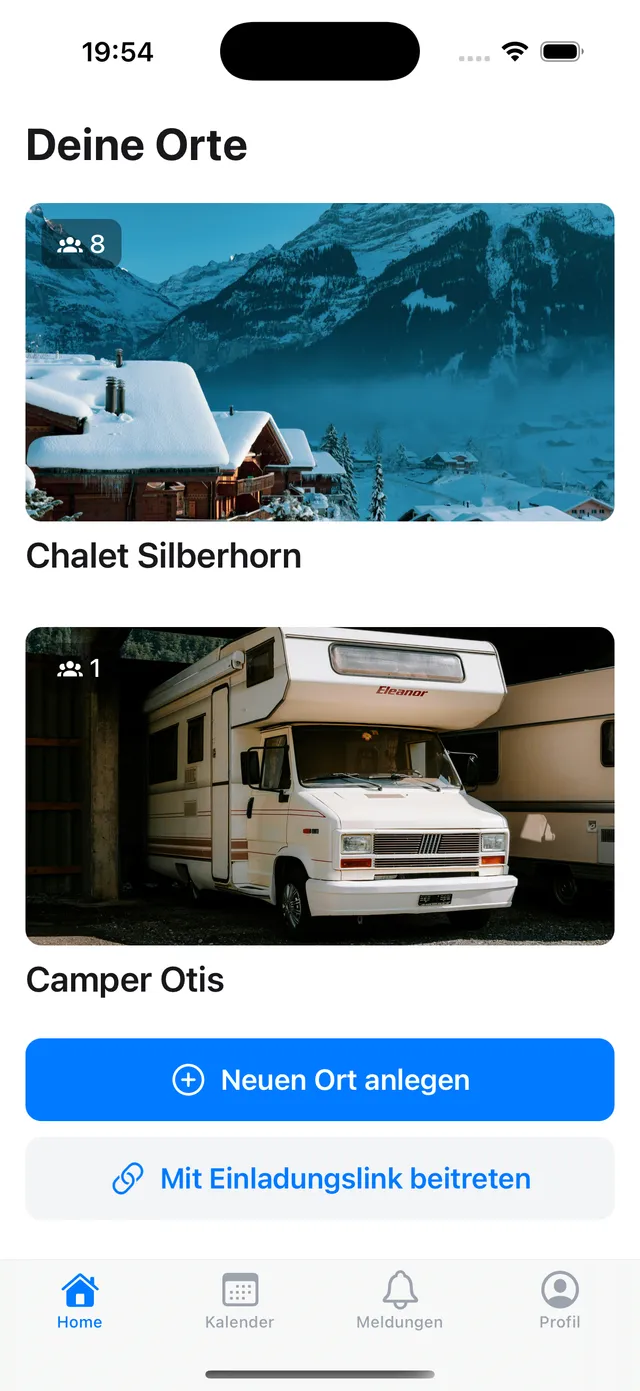
Give it a name like “Lake house” and pick what it is.
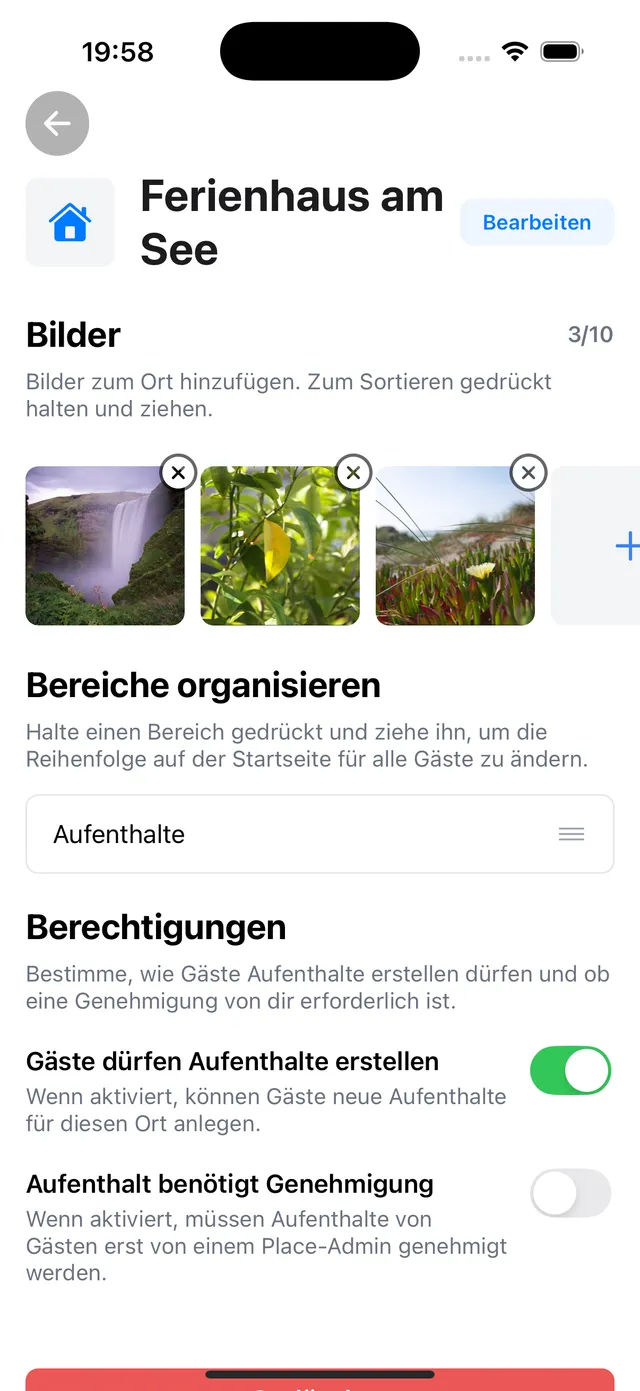
2. Add pictures
Open the place and tap the settings icon at the top right.
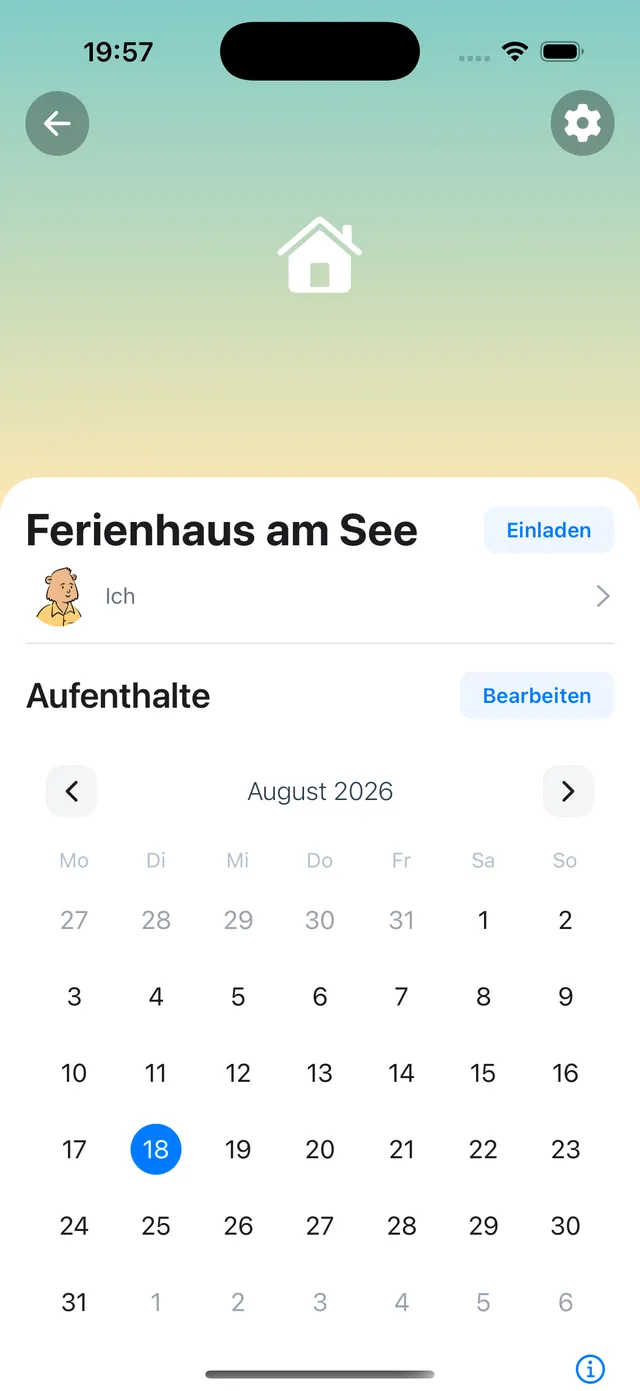
Add pictures there and pick them from your library.
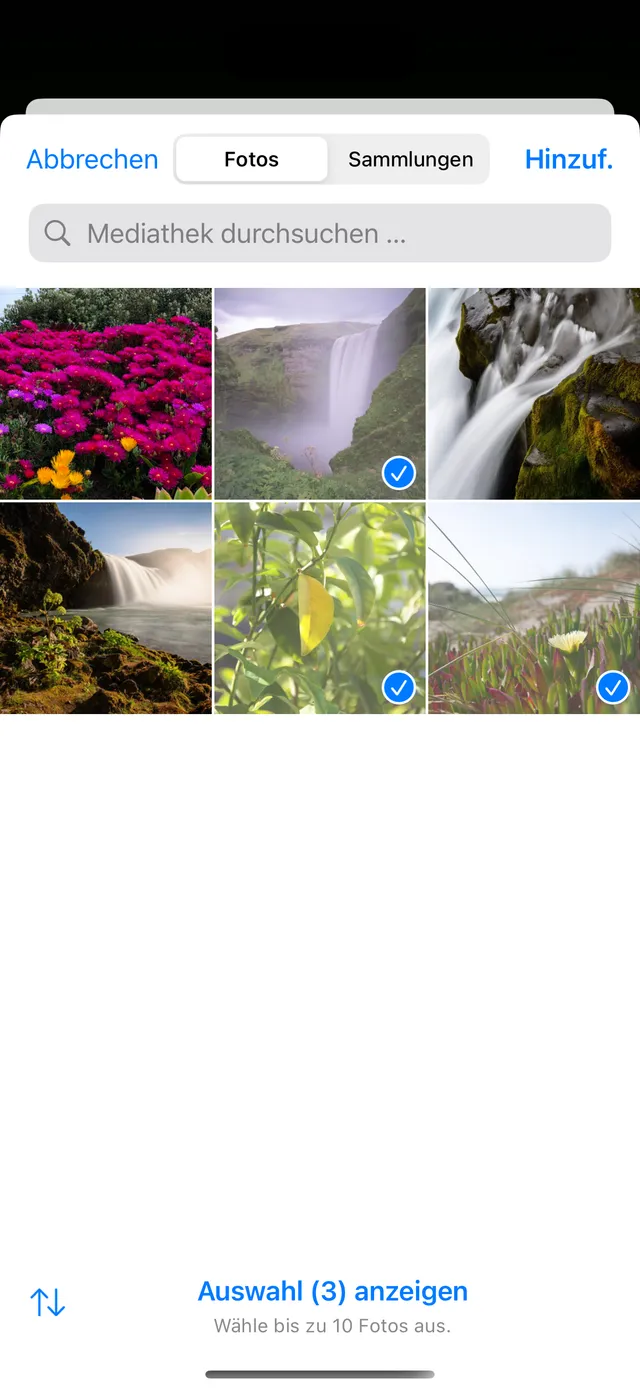
They then show on the place, and you can reorder them.
3. Invite the people you share with
Send an invite link to family or friends. The full steps are in Inviting people to your place.
4. Plan the first stay
Add a stay to the calendar so everyone sees when the place is taken. See Managing stays and Stay statuses explained.
5. Add info
Put the wifi, directions and emergency contacts in the app once. See Adding info.
Still need help?
Get in contact and we will be glad to help.