


Inviting people to your place
Everyone you share a place with joins through an invite link. Here is how to send one.
The screenshots show the German app for now. English screenshots are on the way.
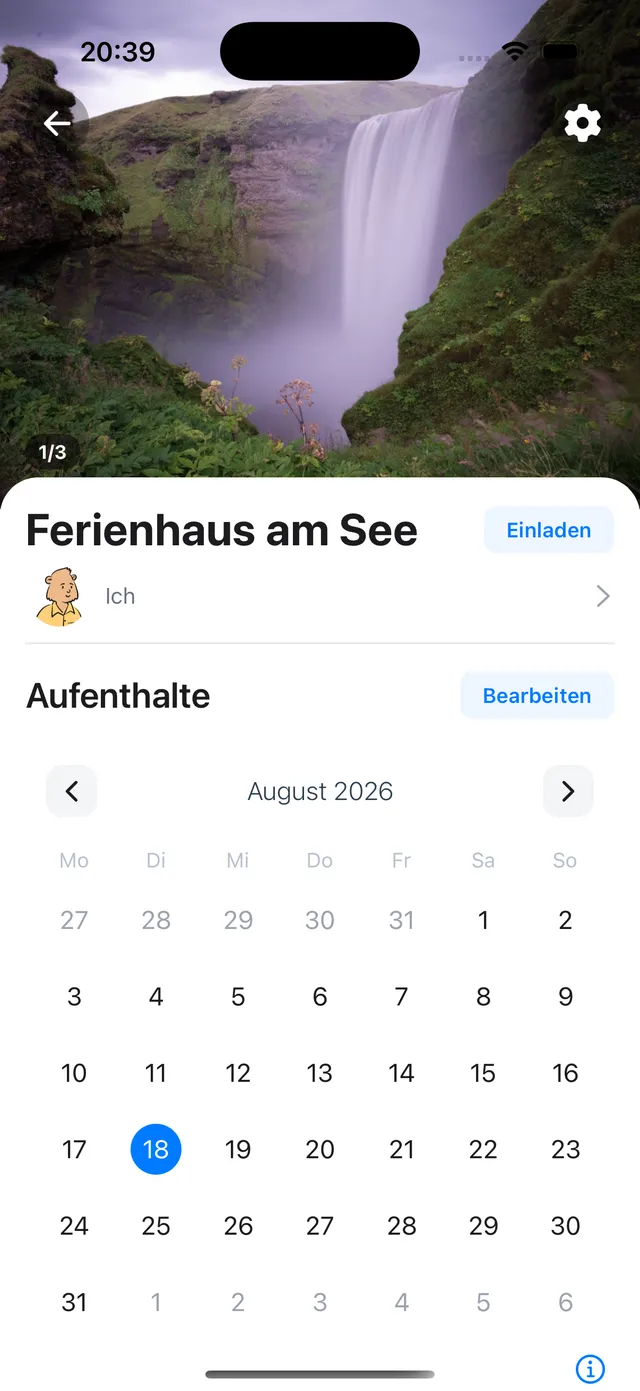
1. Open the members area
In the place, tap the member row with your name to open the members area.
2. Share the invite link
In the members area, copy the invite link and share it by message, email, or however you like. Invites work across iPhone and Android.
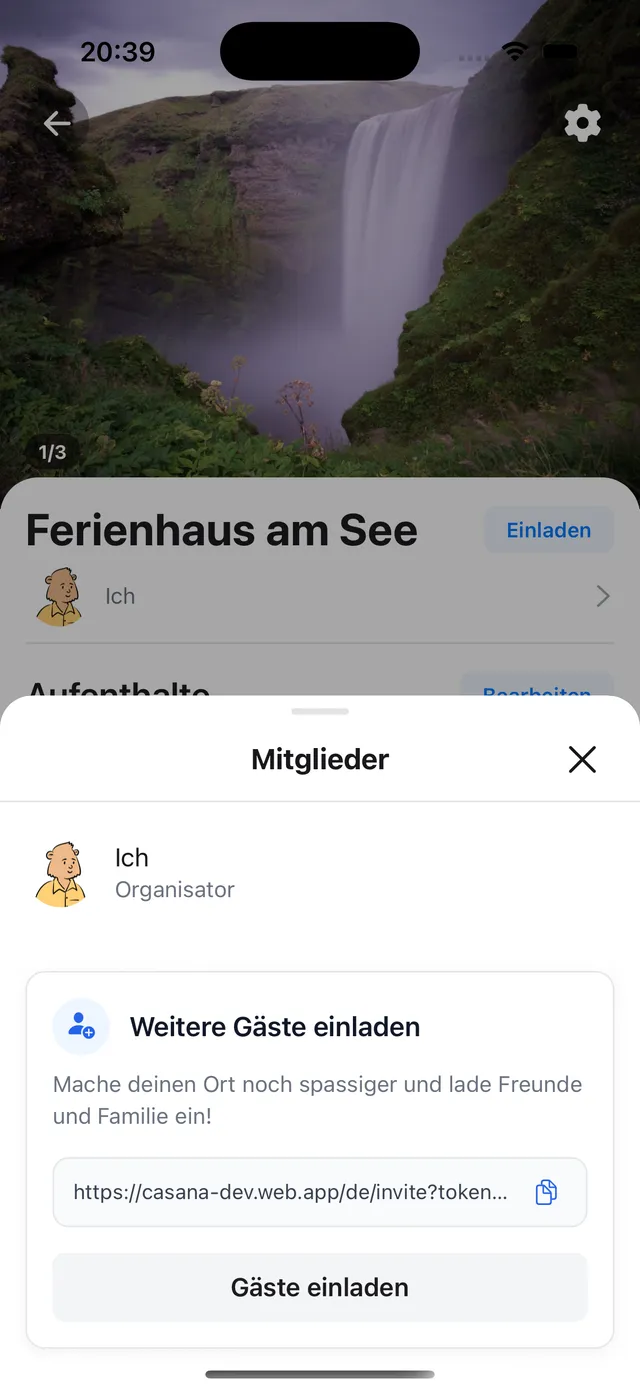
Important: Each link works once and invites one person. As soon as someone joins, or the link expires, it is used up. For the next person, create a new link.
What happens next
The person installs Casana, opens the link on their phone, and joins. See Joining a place as a guest.
Who pays and who joins free
Only the owner of a place needs Casana Plus for larger groups. Joining as a guest is always free, and guests can be in as many places as they like.
If a link does not work
Ask the person to open it on their phone rather than a computer, in Safari on iPhone or Chrome on Android. If it still does not open, create and send a new link.
Still need help?
Get in contact and we will be glad to help.