


Adding info
You can add sections to your place so guests find the info themselves.
The screenshots show the German app for now. English screenshots are on the way.
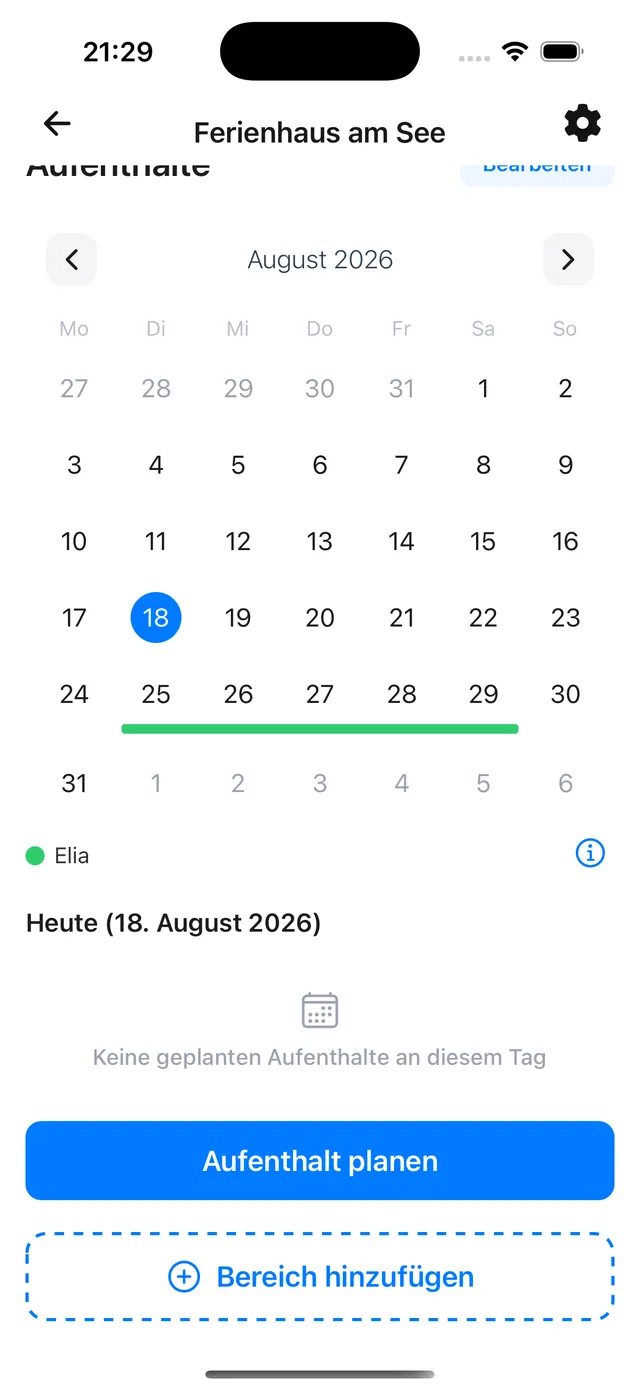
1. Add a section
Open the place and tap Add section at the bottom.
2. Choose a section
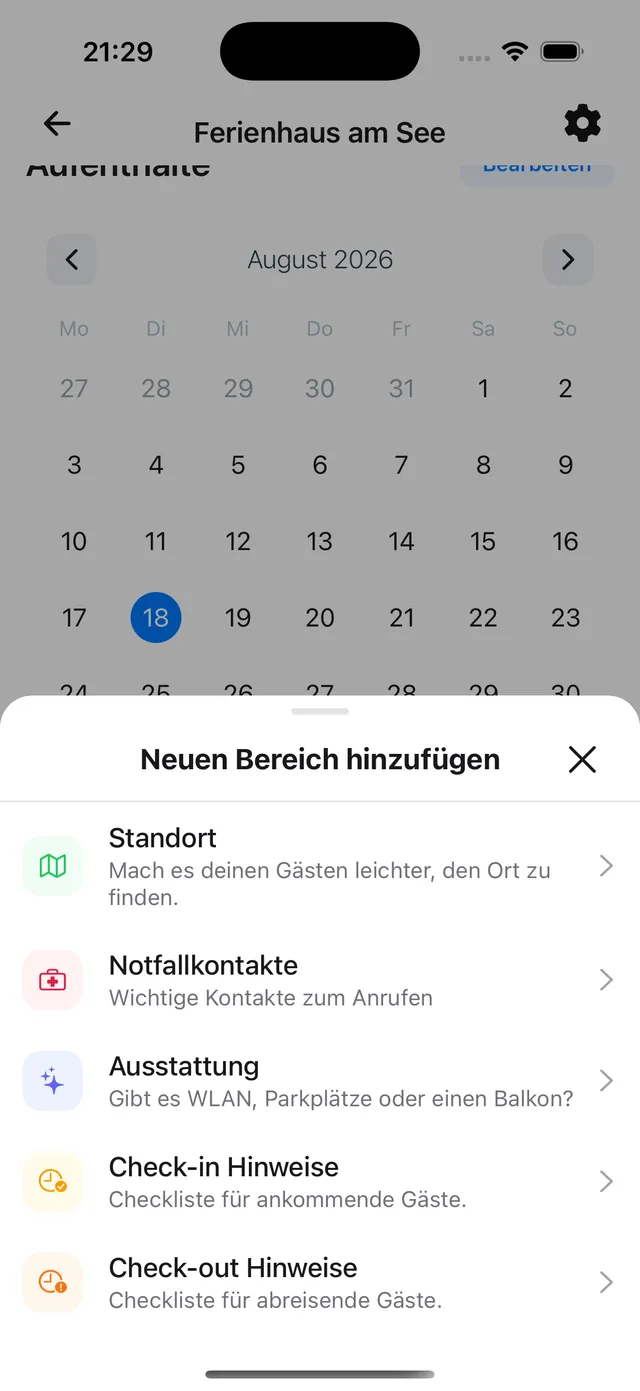
Pick what you want to add:
- Location – address and map
- Emergency contacts – important numbers to call
- Amenities – wifi, parking, heating and more
- Check-in notes – a checklist for arriving guests
- Check-out notes – a checklist for departing guests
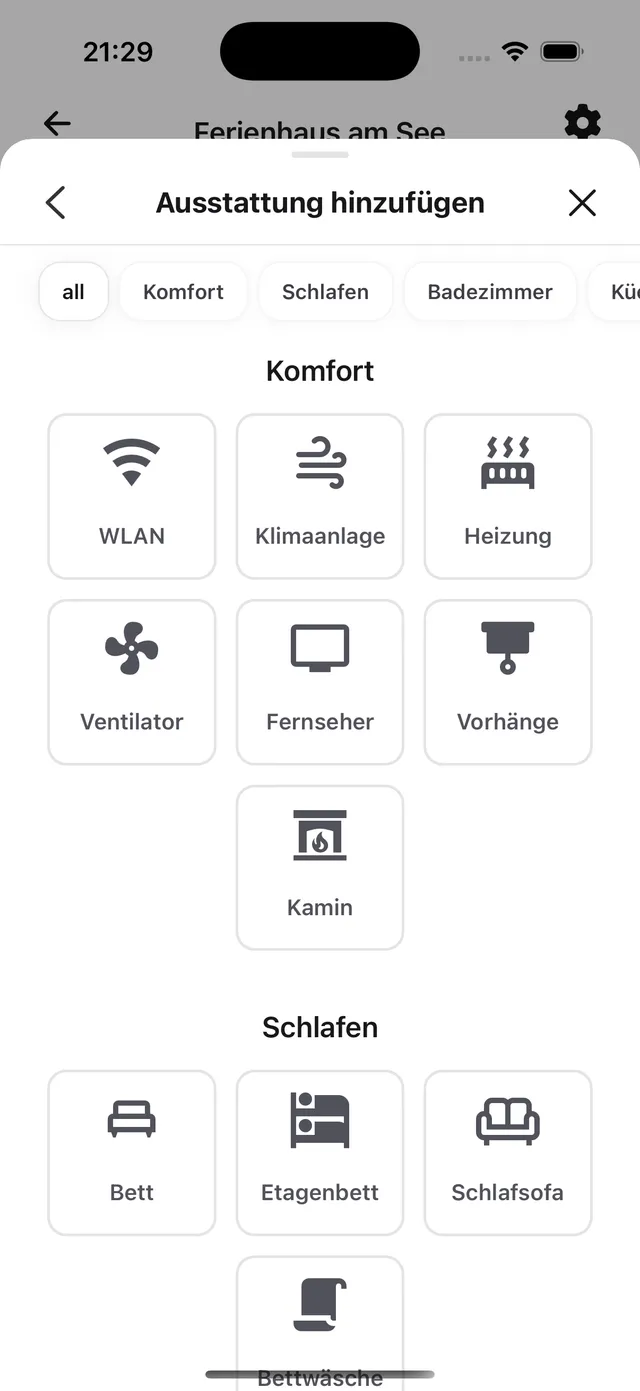
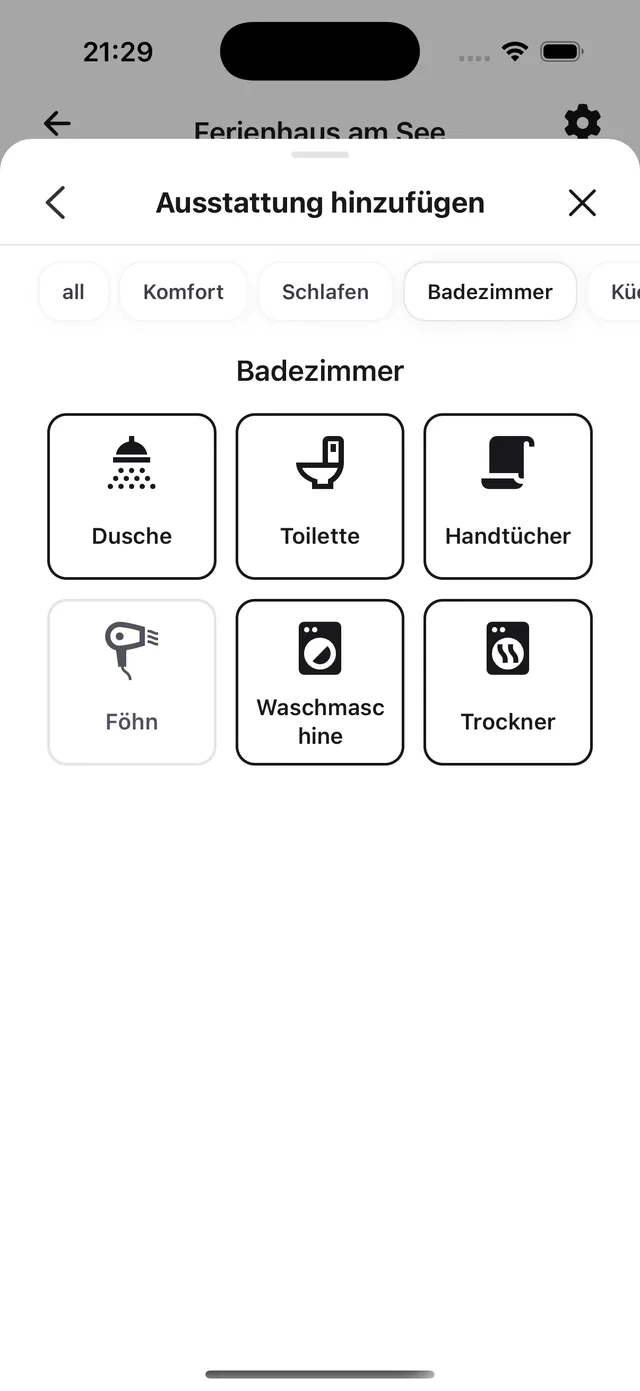
3. Pick the entries
For Amenities, you choose from categories like comfort, sleeping, bathroom or kitchen. Swipe up to make the sheet bigger and see more at once.
Still need help?
Get in contact and we will be glad to help.