


Joining a place as a guest
Someone shared a place with you. The invite link gets you in within a few steps.
The screenshots show the German app for now. English screenshots are on the way.
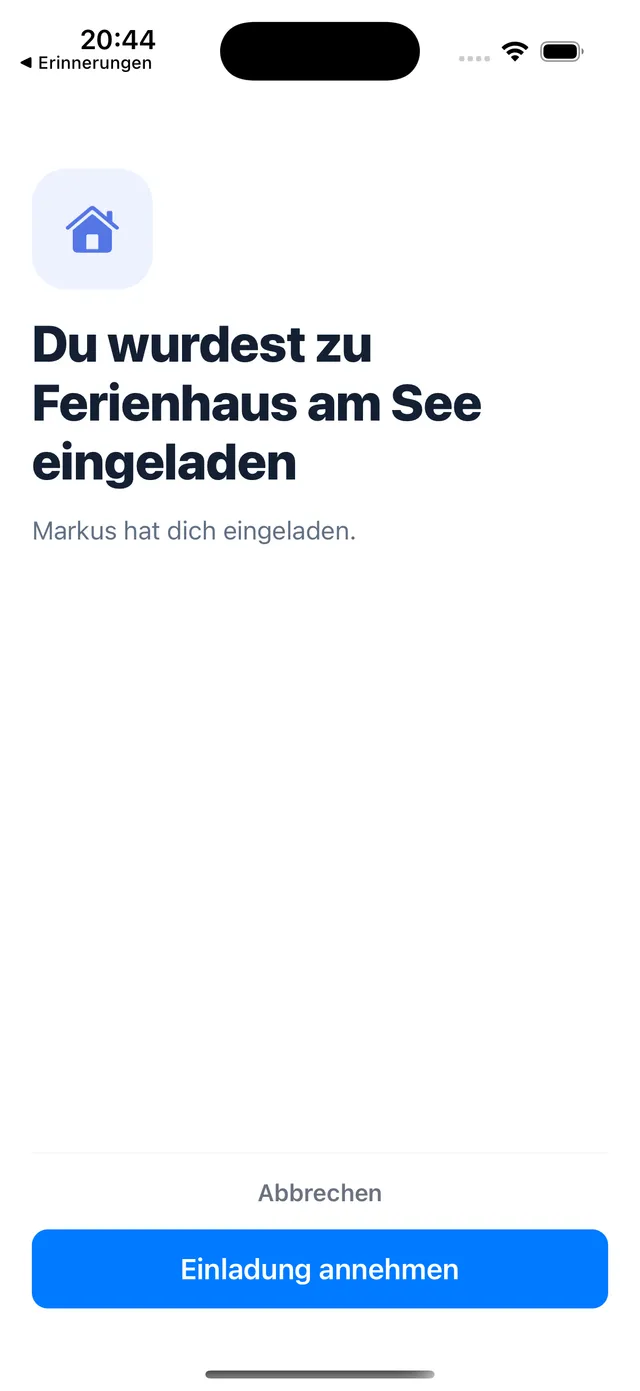
1. Open the invite and accept
Open the invite link on your phone. Casana shows you who invited you. Tap Accept invite.
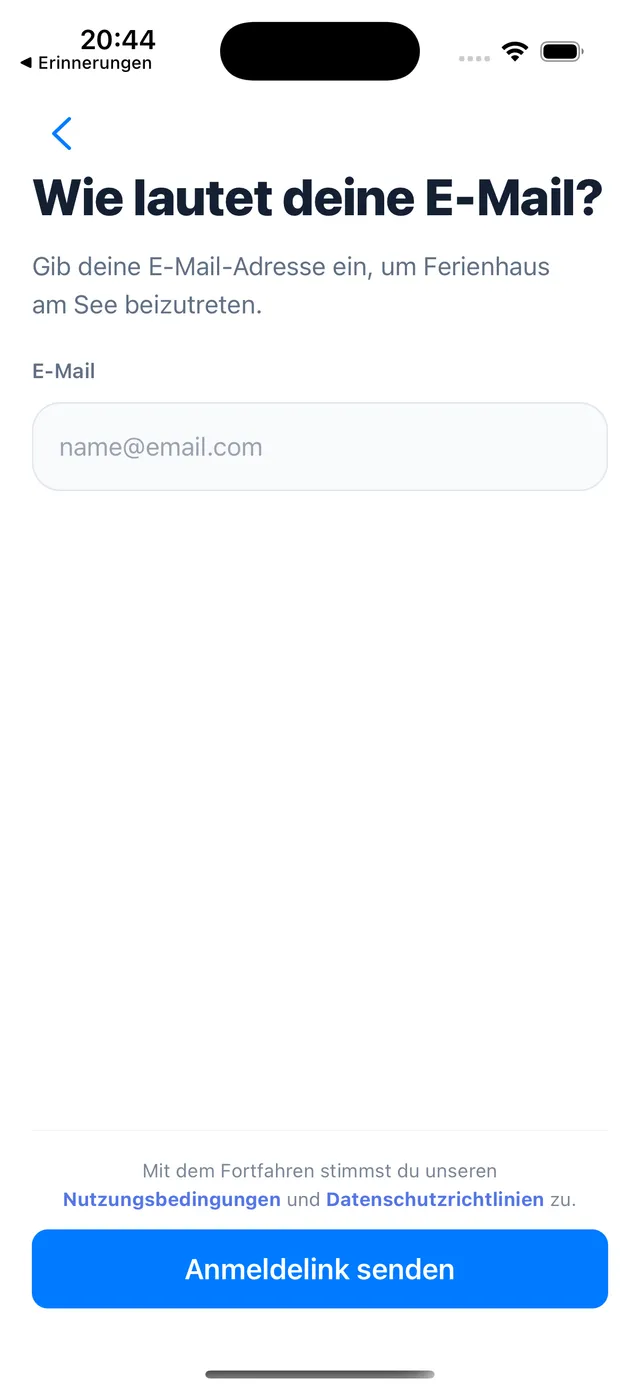
2. Sign in with your email
Enter your email address and tap Send login link. Then open the link from the email to continue. You do not need a password.
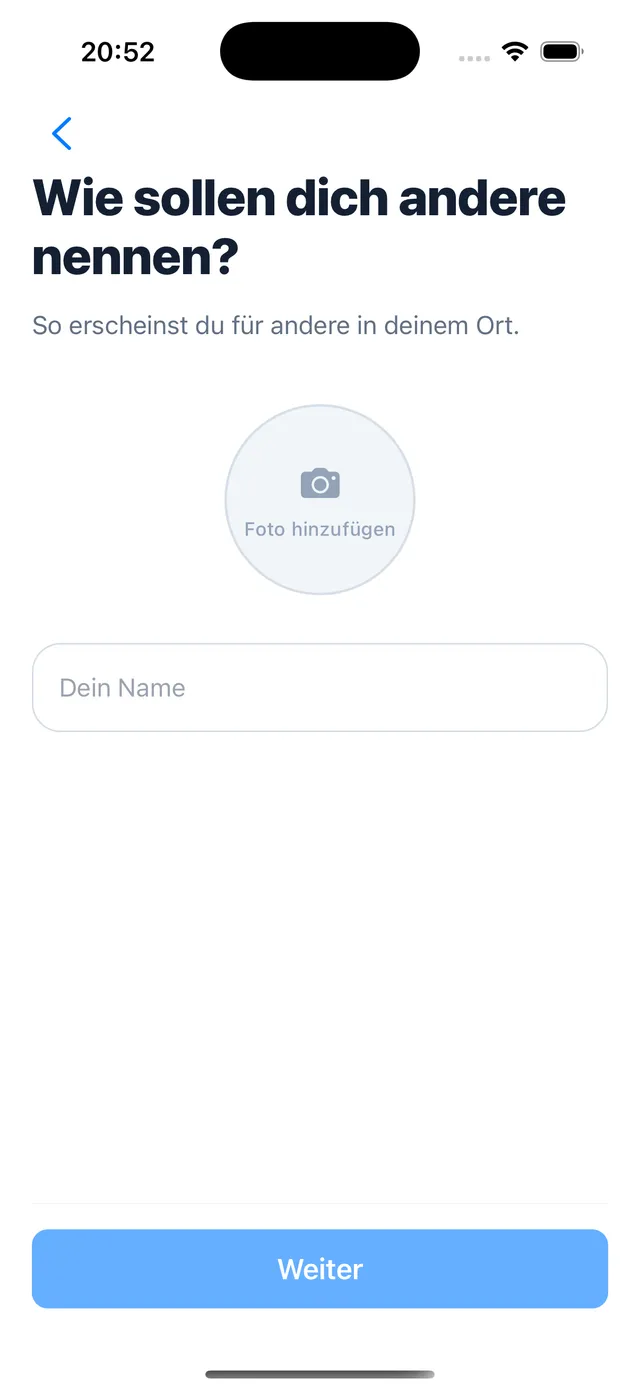
3. Choose your name
Choose how you appear to others in the place. A photo is optional. Tap Continue.
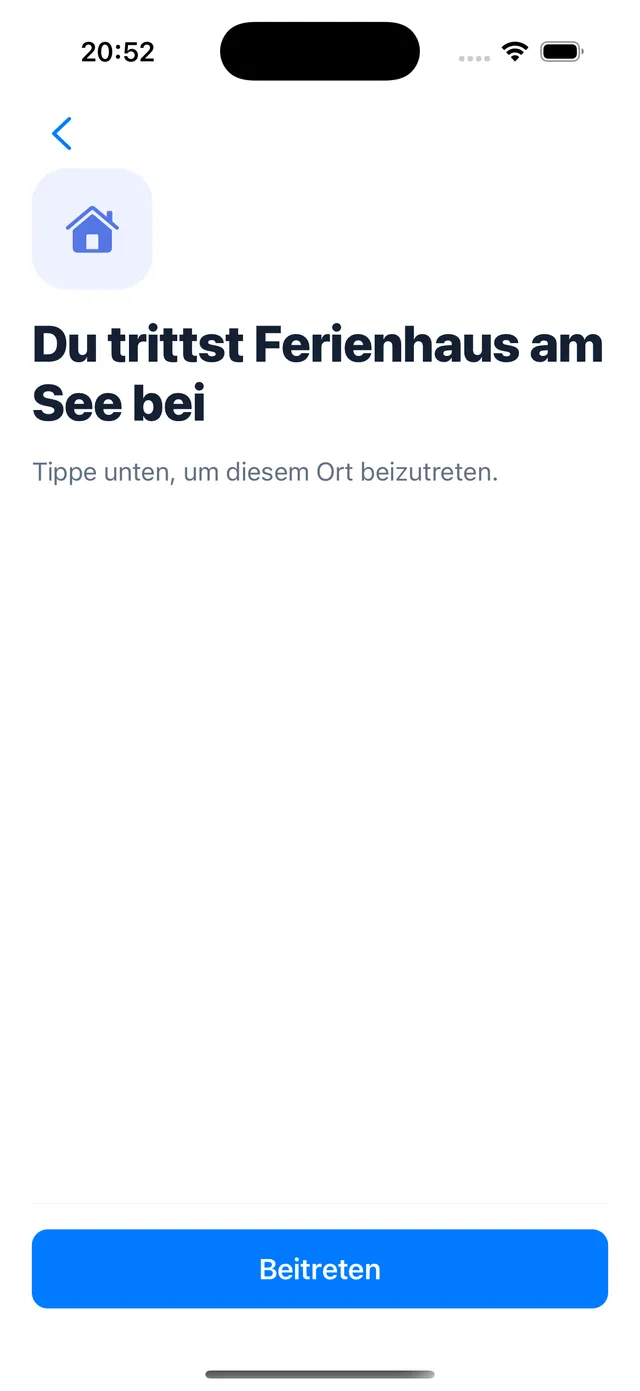
4. Join the place
Tap Join to join the place.
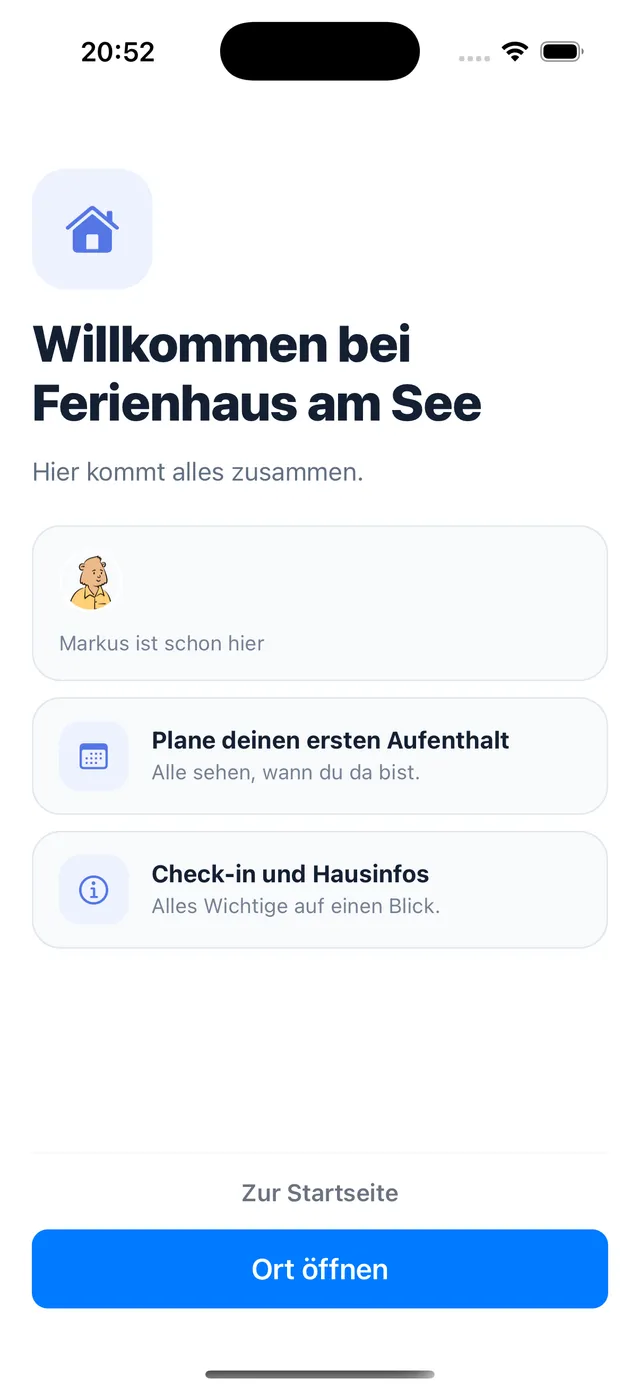
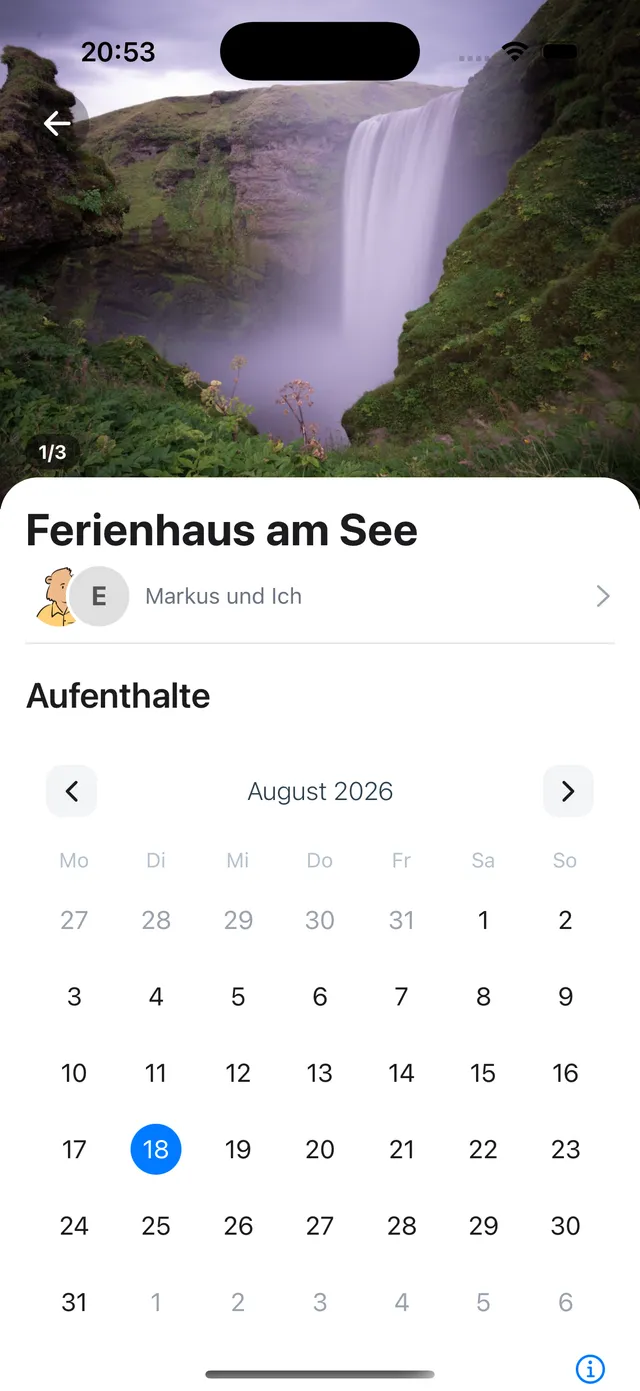
5. Open the place
You are in. Open the place to see the calendar, the info, and any checklists.
If the link does not open
Open it on your phone rather than a computer, in Safari on iPhone or Chrome on Android. If it opened inside Instagram or WhatsApp, tap to open it in your browser. Still stuck? Ask the person to send you a new link.
What it costs you
Nothing. Guests join for free and can be in as many places as they like. Only the owner pays. See Casana Plus.
Still need help?
Get in contact and we will be glad to help.