


Arrival and departure checklists
A check-in and a check-out list tell guests what to do on arrival and departure.
The screenshots show the German app for now. English screenshots are on the way.
1. Add a section
Open the place and tap Add section at the bottom.
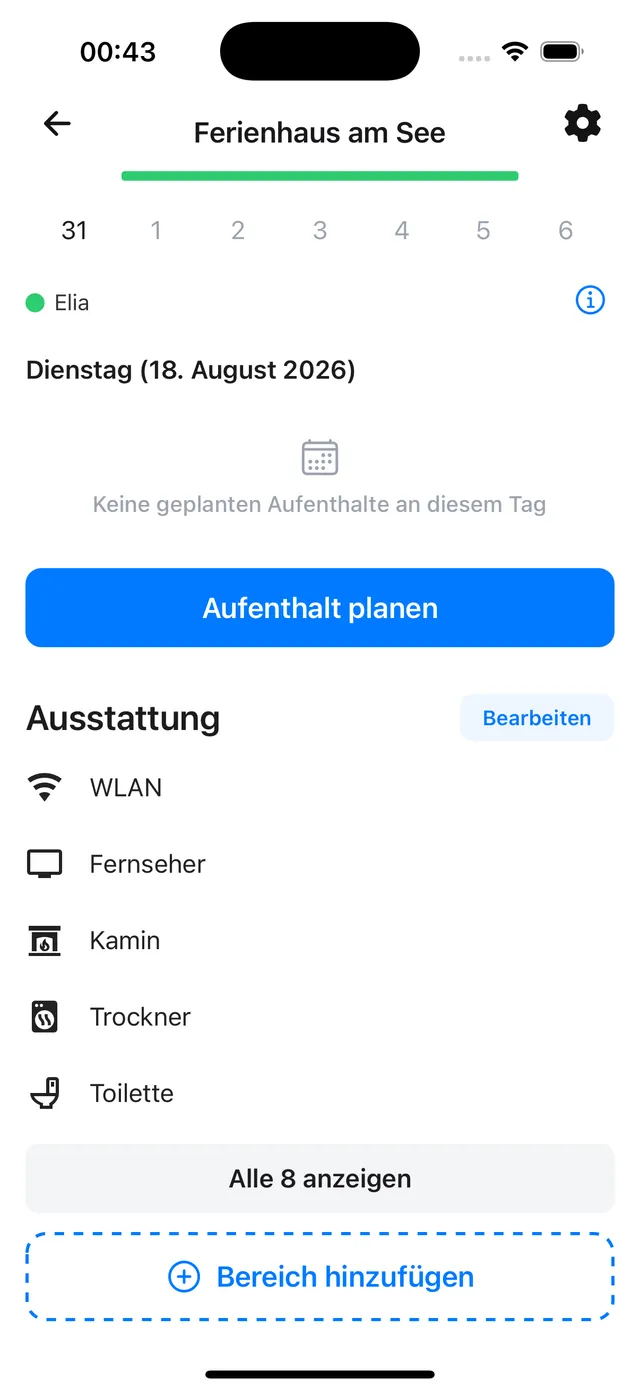
2. Choose check-in or check-out notes
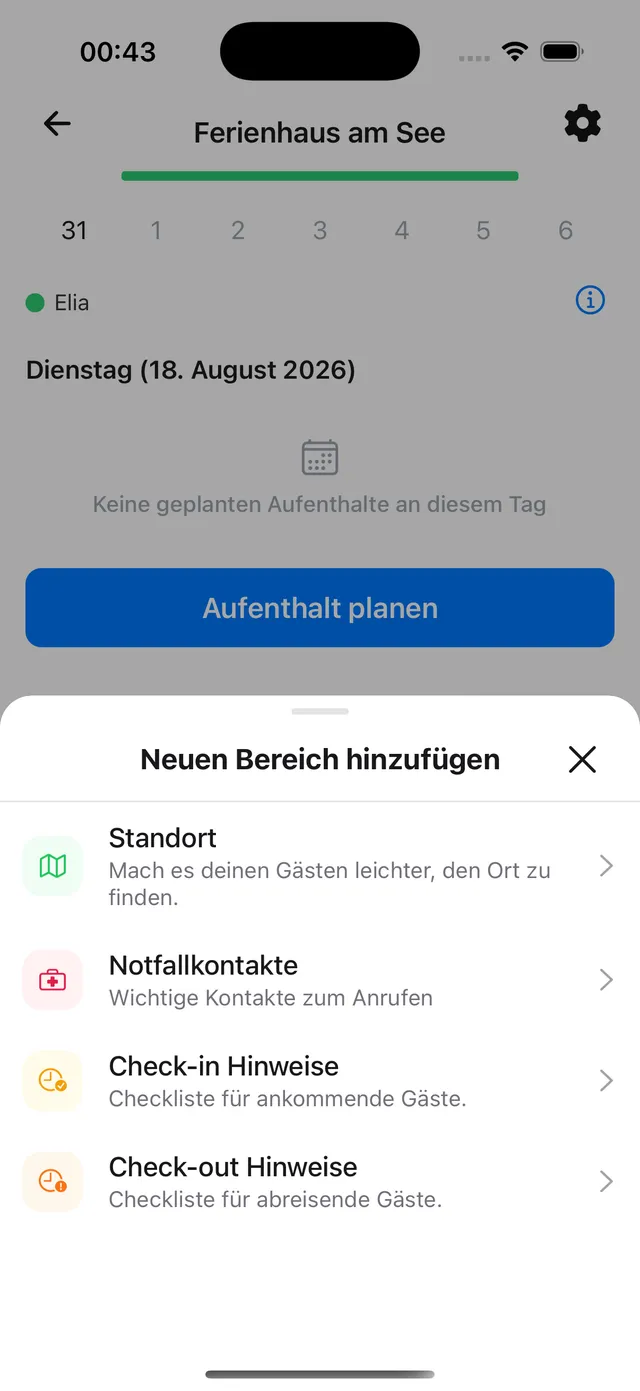
Check-in notes is the list for arriving guests, Check-out notes the one for those leaving.
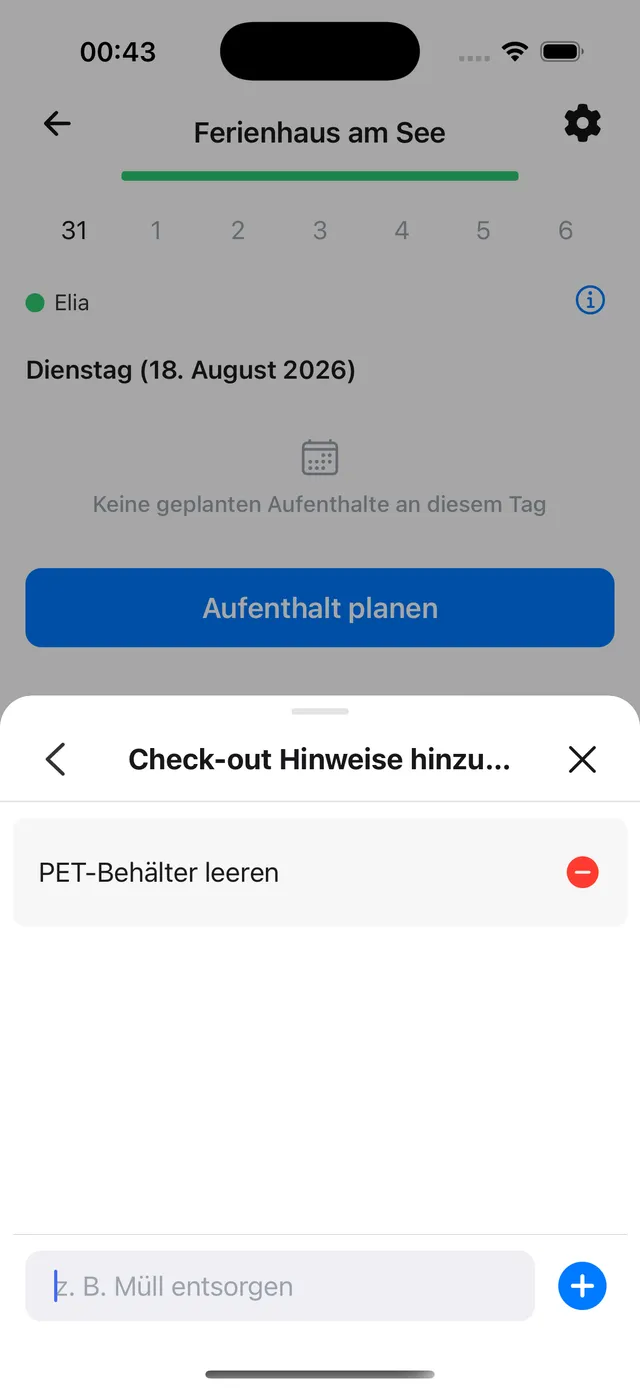
3. Add the items
Type an item and add it with +. Repeat for each step, for example take out the bins or turn off the water.
Ticking it off
The checklist is added to every stay automatically and stays tied to that stay. All guests tick it off together, either in the stay itself or in the Notifications tab through the check-in or check-out notification, which is sent on the day of arrival or departure. See Turning on notifications.
Still need help?
Get in contact and we will be glad to help.